Everything it does
Verdetto reads QR codes and barcodes and shows you what is in them before you act. Free, no ads, nothing collected. Here is all of it, in the order most people meet it.
Before it opens
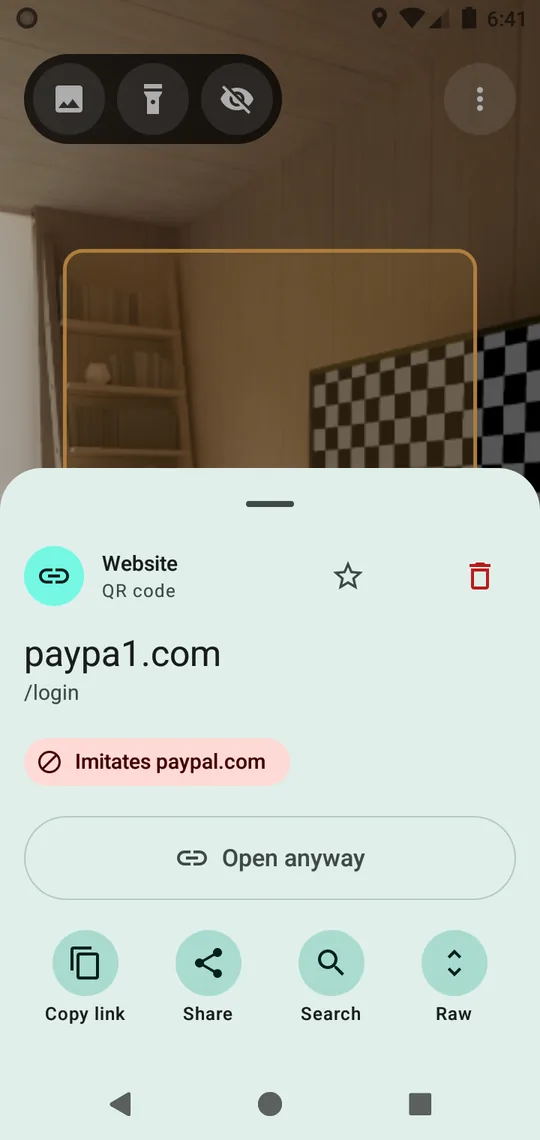
See the link before it opens
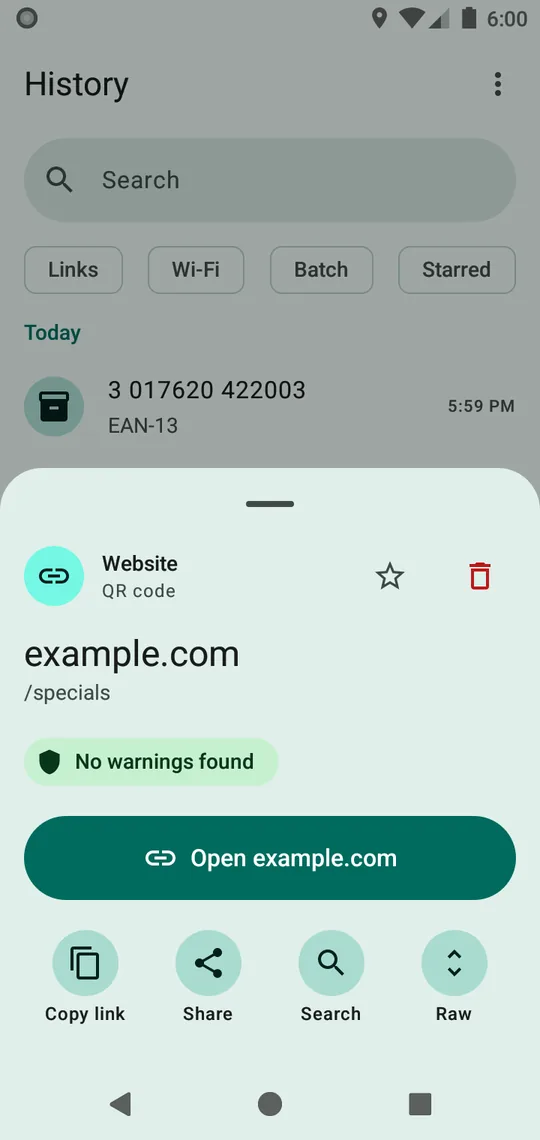
A QR code is a link you cannot read. Verdetto shows the address before anything opens, checks it on your phone, and leaves the decision to you: open, or not.
The checks look for lookalike names (paypa1.com), shortened and affiliate links followed to where they lead, hidden sign-ins, raw IP addresses, unusual ports, unencrypted addresses, downloads, script addresses and tracking and affiliate parameters, and compare the address with a warning list of known phishing, scam and sanctions entries kept on the phone.
The result is one line: Danger, Caution, or No warnings found. It is never a promise that something is safe; whether to open is your call. How to check a link yourself.
Damaged codes
Reads the codes other apps give up on
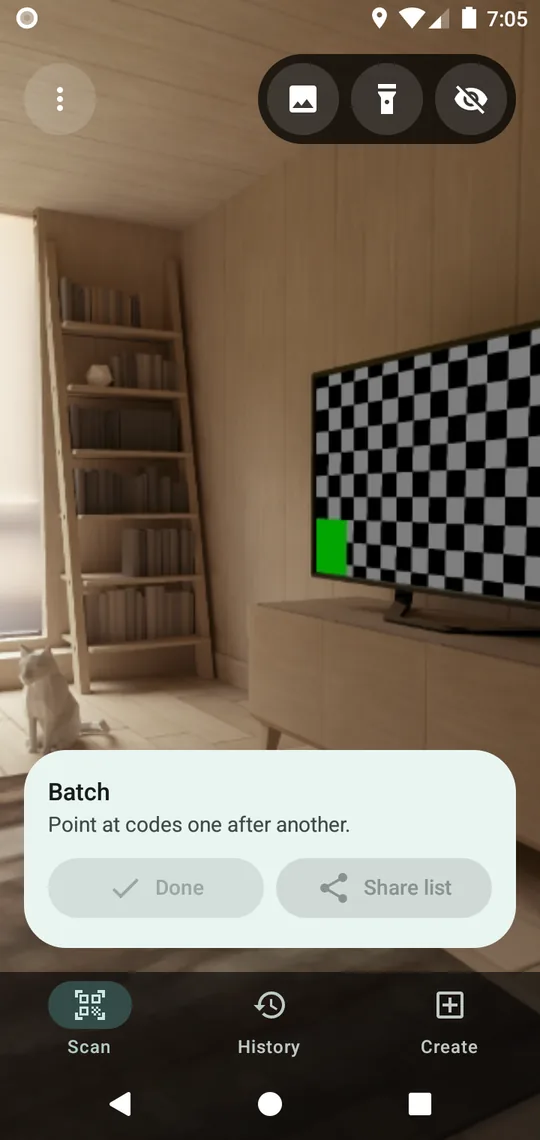
Faded, torn, badly printed, tilted or inverted: it reads while you aim and keeps trying across frames instead of asking you to hold still. Several codes in view? Each one is outlined and you tap the one you meant. Batch mode counts them all and exports the session as CSV.
31 kinds of codes, every one measured on the September 4, 2026 validation run:
What a code is
Knows what a code is, and does the one right thing
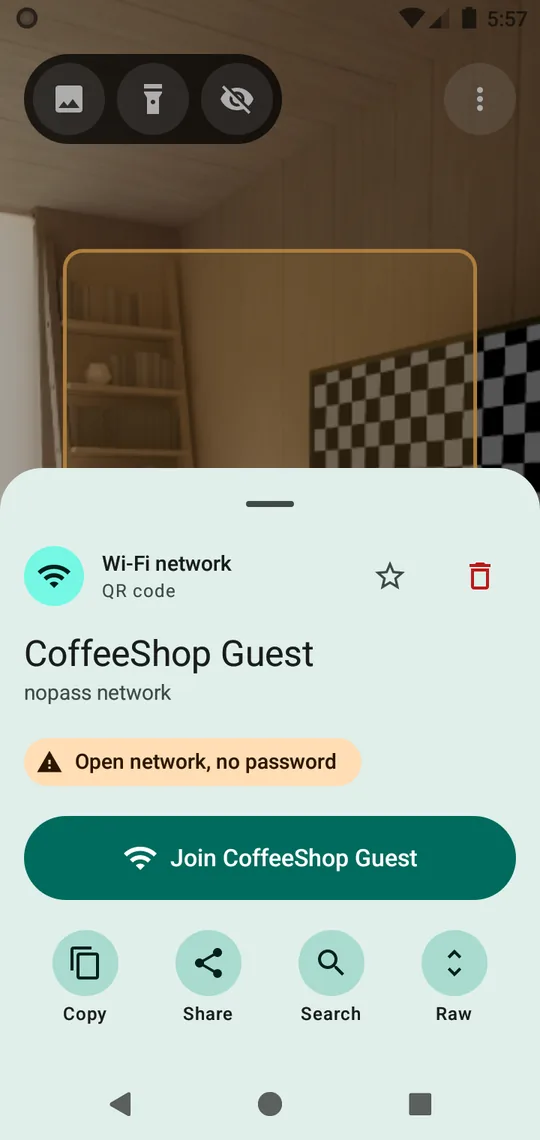
A Wi-Fi code joins the network in one tap. A contact card adds to your contacts. A boarding pass shows itself at the gate, big and bright. Calendar events, sign-in codes, locations, payment addresses, product and medicine numbers, GS1 packs, vehicle numbers: each opens with the one action that fits, and nothing opens by itself.
Boarding passes and driver's licenses stay on the phone and are not saved unless you say so. The app never looks a person up.
Lookups
Looks things up, only when you allow it
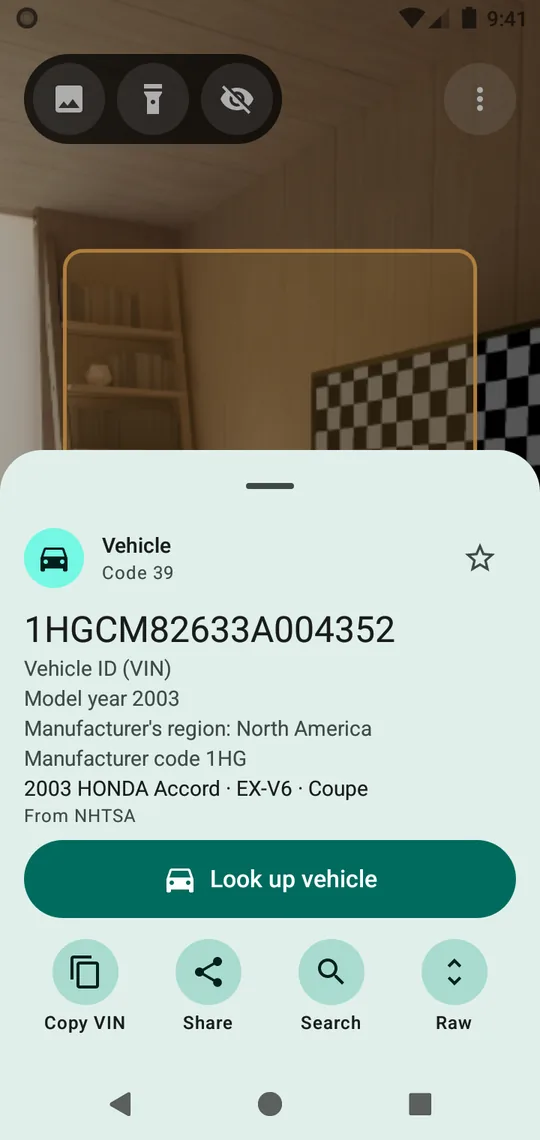
Scan a product and see what it is: books from Open Library and the German and French national libraries, food and cosmetics from Open Food Facts, medicines from openFDA, music from MusicBrainz, and the rest from Wikidata. Scan a vehicle's VIN: make, model, engine, recall campaigns, crash-test ratings and fuel economy from the US government's NHTSA and EPA databases.
Each source receives the number and the app's name, nothing else. One switch turns online lookups off and product lookups have a switch of their own; with online off, nothing leaves the phone and every built-in check still works. What the privacy policy says.
Your own codes
Make your own codes
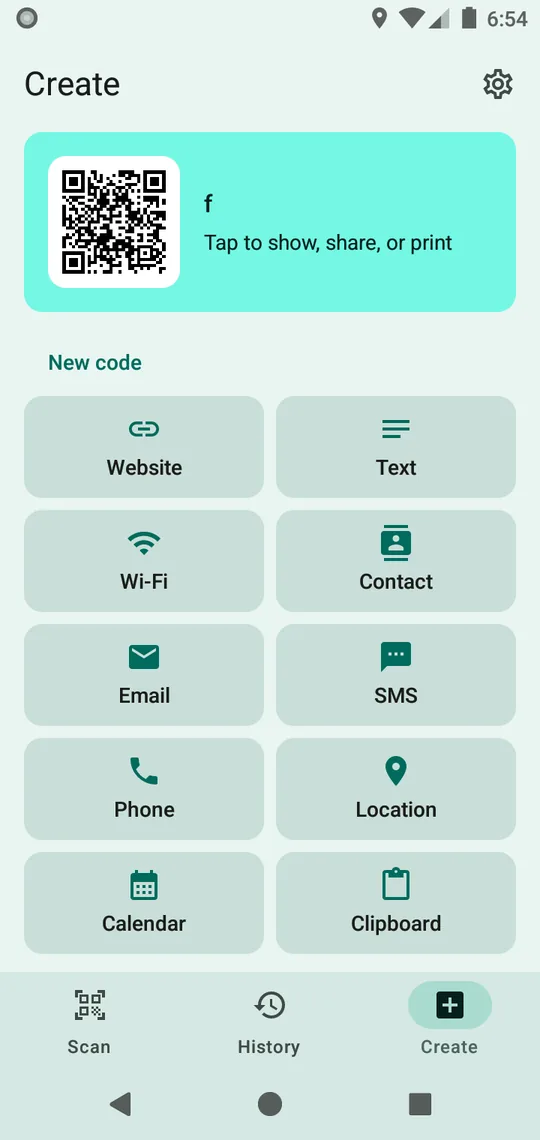
Website, text, Wi-Fi, contact, email, SMS, phone, location, calendar, or whatever is on your clipboard: type it and the code appears as you go. Your own contact card comes first, with a live preview. Save it as an image, share it or print it; the app reads its own code back before it lets you, so what you hand out scans.
In the hand
Made for the hand
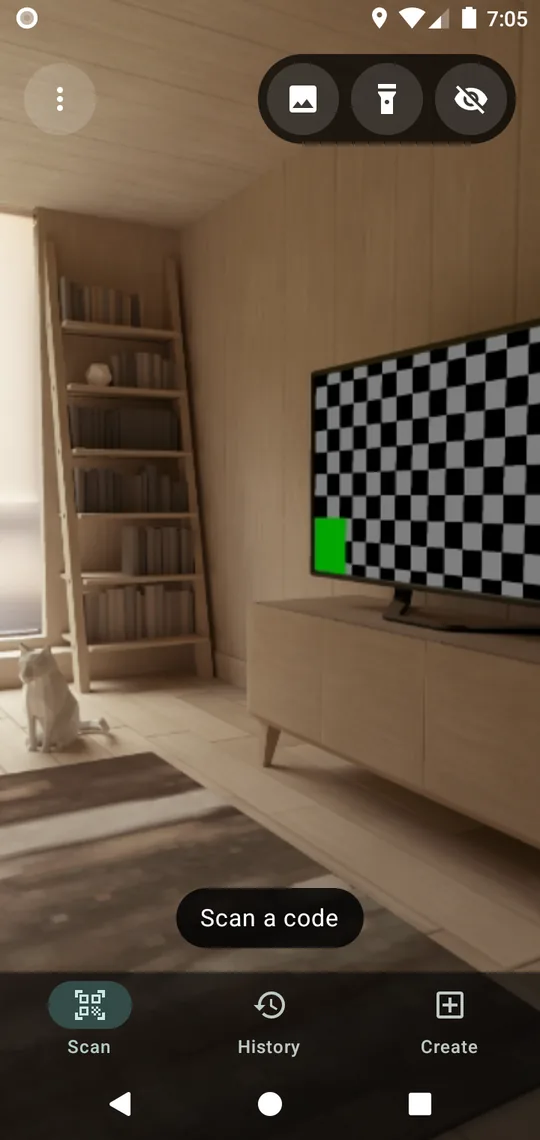
A Quick Settings tile opens the camera from the shade. Tap to focus, pinch to zoom, a torch when the light is low. A left-handed layout puts every control within reach. Results can be read aloud. Sound and vibration on read, if you want them. Eleven languages. Android 8 and later.
Your history
History that is yours
Search it, star it, swipe to delete, export or import it as CSV. Scans older than 90 days clear on their own unless you star them. A private session keeps nothing at all. History rides in your phone's own backup unless you turn that off, and uninstalling removes it.
Other apps
Works with other apps
Any app can ask Verdetto for a scan and get the code back, the way apps did with the ZXing scanner. Share a picture into it and it decodes the codes in the picture. The details for developers.
The deal
Free, no ads, nothing collected
Every feature is free for everyone and stays free. No accounts, no analytics, no ads, so no fake buttons. Frames are scanned on the device and dropped. It is paid for and passed on by the people who use it: a one-time contribution from $0.99 keeps it going, and nothing is locked behind it. How that works.
Coming soon to Google Play